Choose Your QuizzesSelect the curriculum and subject, then choose the quizzes you want to use.
FOR SECONDARY SCHOOLS
No resources to prepare. No subject expertise required.
Useful beyond cover, too:
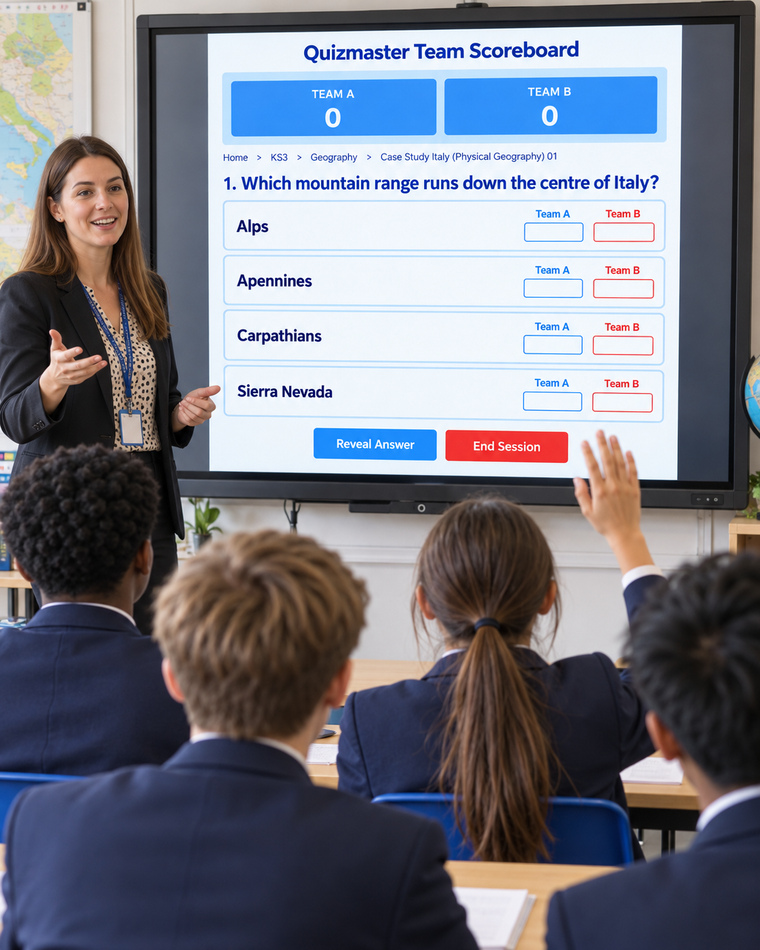
COVER LESSONS
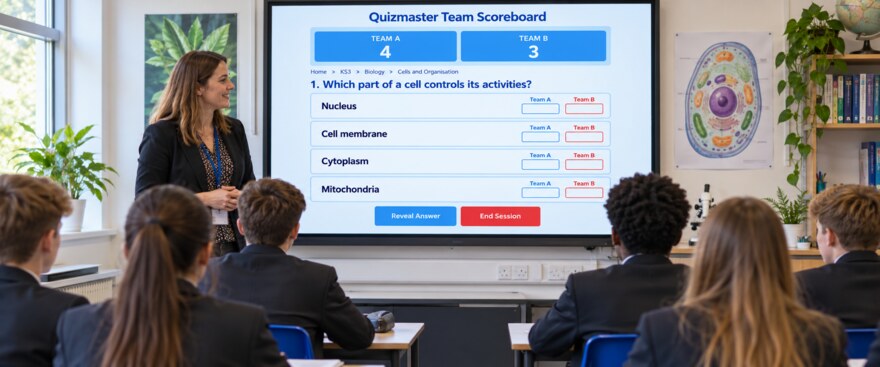
Give cover staff a clear, engaging activity without asking them to create resources or mark work afterwards.
Select the curriculum, choose the subject and then pick as many quizzes as you want to use. Display them on the classroom screen and organise the class into teams. The questions, answers and Helpful Comments are already provided, so even a non-specialist cover teacher has a clear structure to follow.
Our step-by-step guide explains how to set up and run a QuizMaster Teams lesson in less than a minute. Share the link with your cover teacher, or print the guide and hand it over.
View the Cover Lesson Guide
INTERNAL SUSPENSION
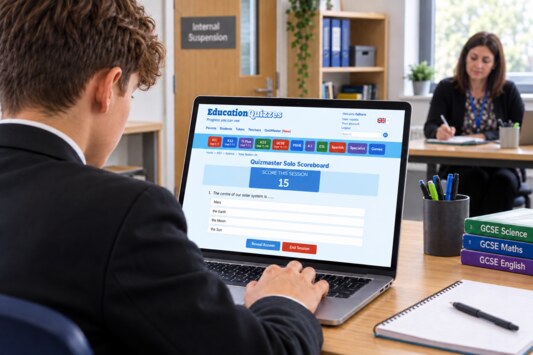
Keep students connected to learning during internal suspension. Each student can work on quizzes chosen for them, so everyone in the room can study a different subject or topic.
Create an Account
The supervising teacher creates an account for the student.
Choose the Quizzes
The teacher tells the student which quizzes to complete.
Get Instant Feedback
The student receives automatic feedback after every question, helping them understand mistakes and learn as they go.
Review the Results Together
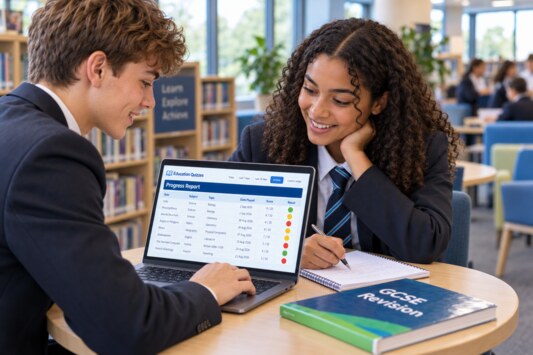
The teacher and student use the report panel to see what went well and where further practice is needed.
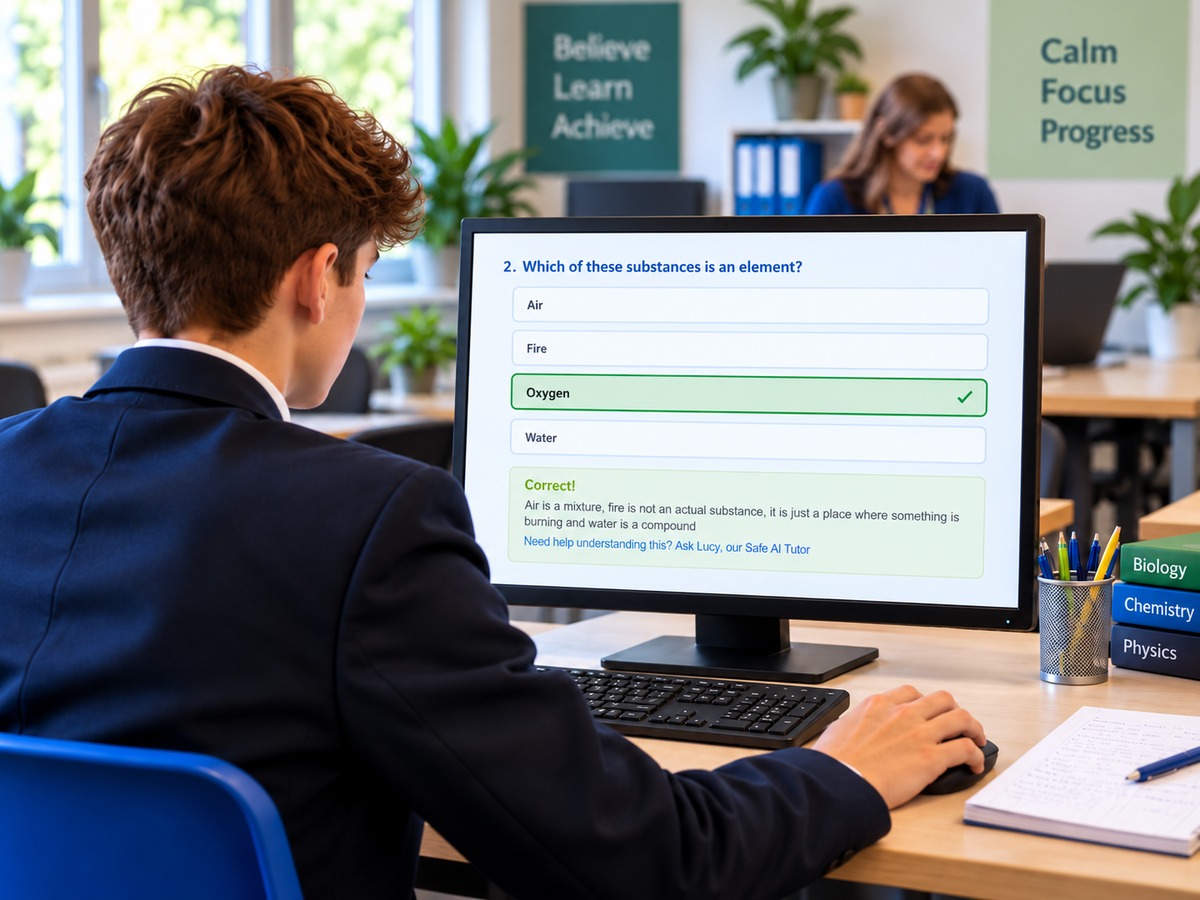
Education Quizzes does more than provide questions and answers. It helps students revise independently with instant feedback, helpful ways to remember and a safe AI tutor for extra explanations when teachers aren’t available.
Choose quizzes on a specific topic to practise key ideas and work through areas that need more attention.
QuizMaster Solo provides random questions from across an entire subject, helping students test and strengthen their wider knowledge.
Feedback after every question and Helpful Comments explain the answers, helping students understand mistakes and remember what they’ve learned.
Students can ask Lucy, our safe AI tutor, questions about the topic and receive clear, step-by-step explanations to deepen their understanding.
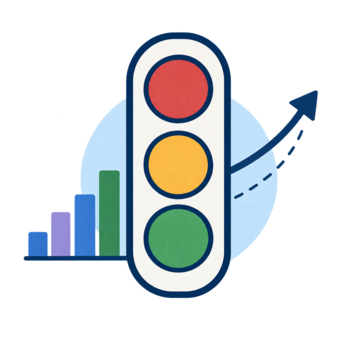
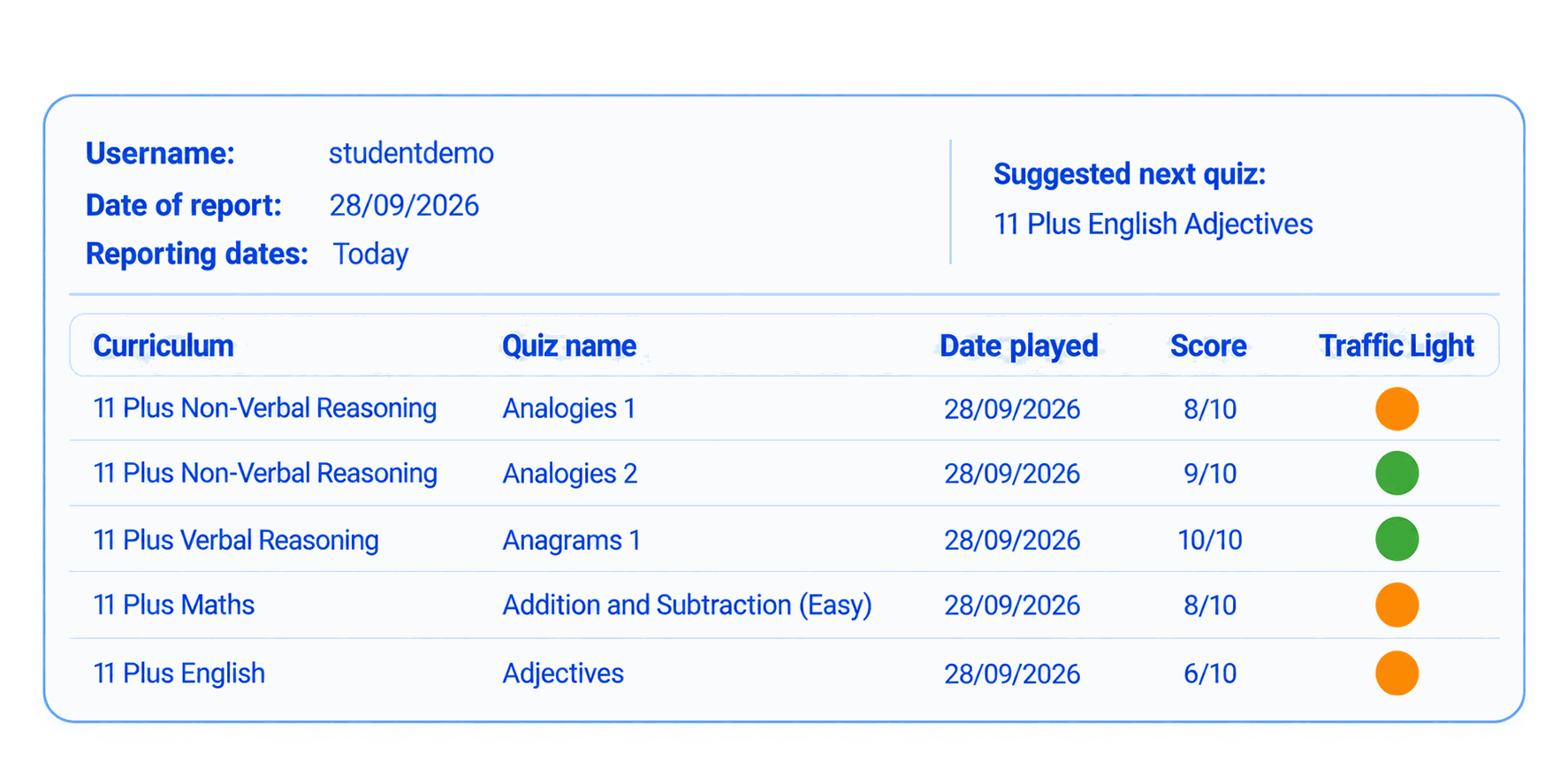
Seeing progress gives students a reason to keep learning. Our Traffic Lights and dated reports make achievements visible, helping students recognise their improvement and teachers encourage their next steps.
Traffic Lights give students a clear view of their quiz results, encouraging them to revisit topics, improve their scores and work towards green.
Dated reports let students and teachers review results over time, celebrate improvements and identify where further practice would help.
EXPLORE MORE
From English and Maths to Science, History and more, explore subjects students can practise through Education Quizzes.
WHOLE-SCHOOL ACCESS
Unlimited student and teacher accounts, with access to Education Quizzes across KS3 and GCSE.
Start with a 14-day free trial.
QUESTIONS BEFORE YOU START?
We want schools to feel comfortable getting in touch. Whether you have a quick question, want to talk through how Education Quizzes could work in your school, or need a hand getting started, Tara or Colin will be happy to help.
Support is available Monday to Friday, 8:00am–1:00pm. We are friendly, approachable and happy to talk things through without any pressure.
Speak to a real person, not a bot. Click the box to open Live Chat when we are online.
Hover to check our live status, or click to start a chat when we are online.
© Copyright 2016-2026 - Education Quizzes
Work Innovate Ltd - Design | Development |
Marketing

 English Quizzes
 Maths Quizzes
 Science Quizzes
 History Quizzes
 Geography Quizzes
 Religious Education Quizzes
 Computing & ICT Quizzes
 Music Quizzes
 PSHE Quizzes