Teacher-Written Quizzes
Explore thousands of curriculum-based quizzes. Ten focused questions and clear explanations help learners practise and understand each topic.
FOR STUDENTS
Quizzes across all the subjects you are learning, helping you practise, improve and see how far you have come.
Choose the topic you need, work through teacher-written questions and get instant feedback as you go. Replay quizzes, improve your scores and use Traffic Lights to see where you are getting stronger.
Learn it. Quiz it. Know it.

WHY EDUCATION QUIZZES
Easily find the curriculum quizzes you need, with the features below to support learning every step of the way.
Explore thousands of curriculum-based quizzes. Ten focused questions and clear explanations help learners practise and understand each topic.
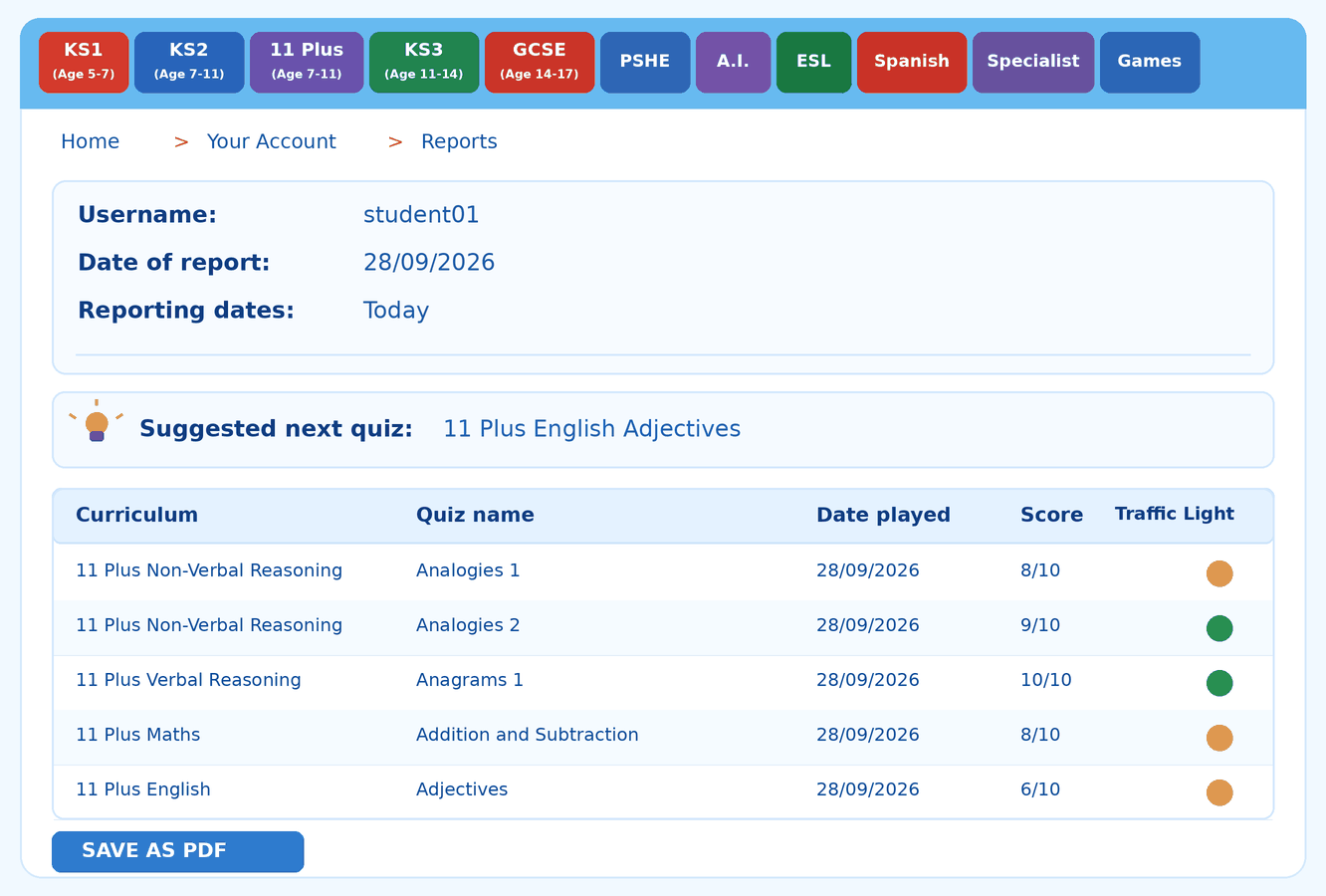
Traffic Light results show what learners know and what needs more practice. Detailed reports make completed quizzes easy to review.

Turn revision into a fun challenge with QuizMaster Solo or Teams. Learners can test themselves or compete together using curriculum questions.

When an answer needs more explanation, optional AI Tutor Lucy offers topic-focused, step-by-step help, with controls for parents and teachers.
Find reading colour filters, printable quizzes, useful links and practical learning resources to suit different needs.
QUIZ PLAY
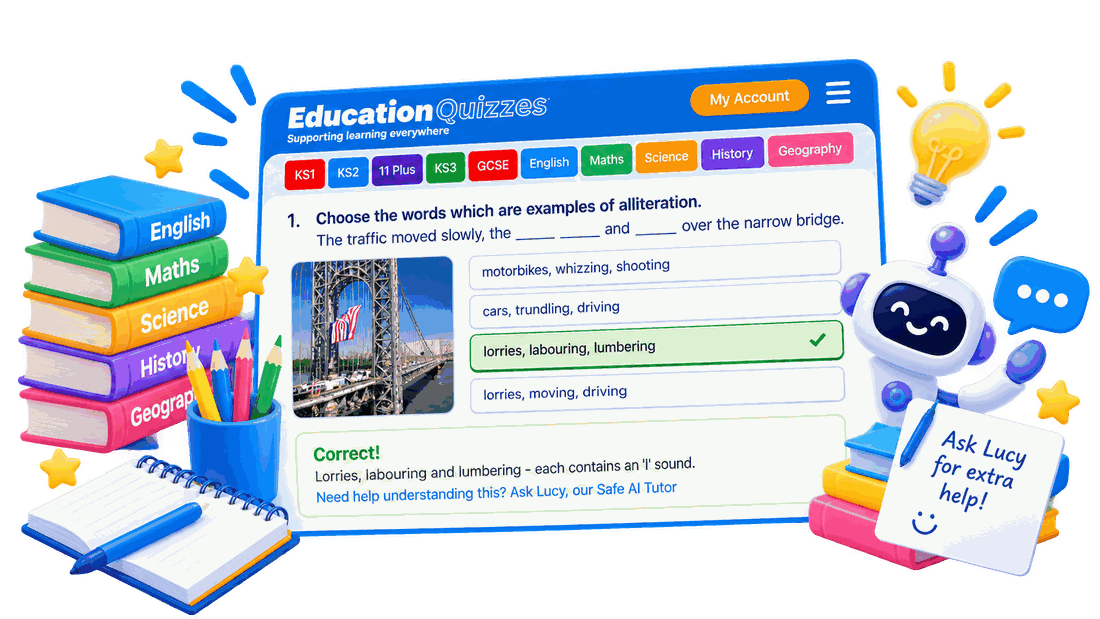
Choose an answer and find out how you did straight away. Read the explanation to understand the answer before moving on.
Still unsure? Ask Lucy for another explanation, then return to your quiz when you are ready.
Work through a topic one question at a time.
Check your answer and see why it is right or wrong.
Ask Lucy to explain a tricky point in a different way.
YOUR PROGRESS
A single score tells you how you did today. Traffic Lights help you see which topics need more practice and which ones you are getting to grips with.
Try a quiz again and see whether your score changes as your understanding grows.
EXTRA HELP WHEN YOU NEED IT
Not every explanation clicks first time. Lucy, the Safe AI Tutor, can help you work through a topic in a different way when you get stuck.
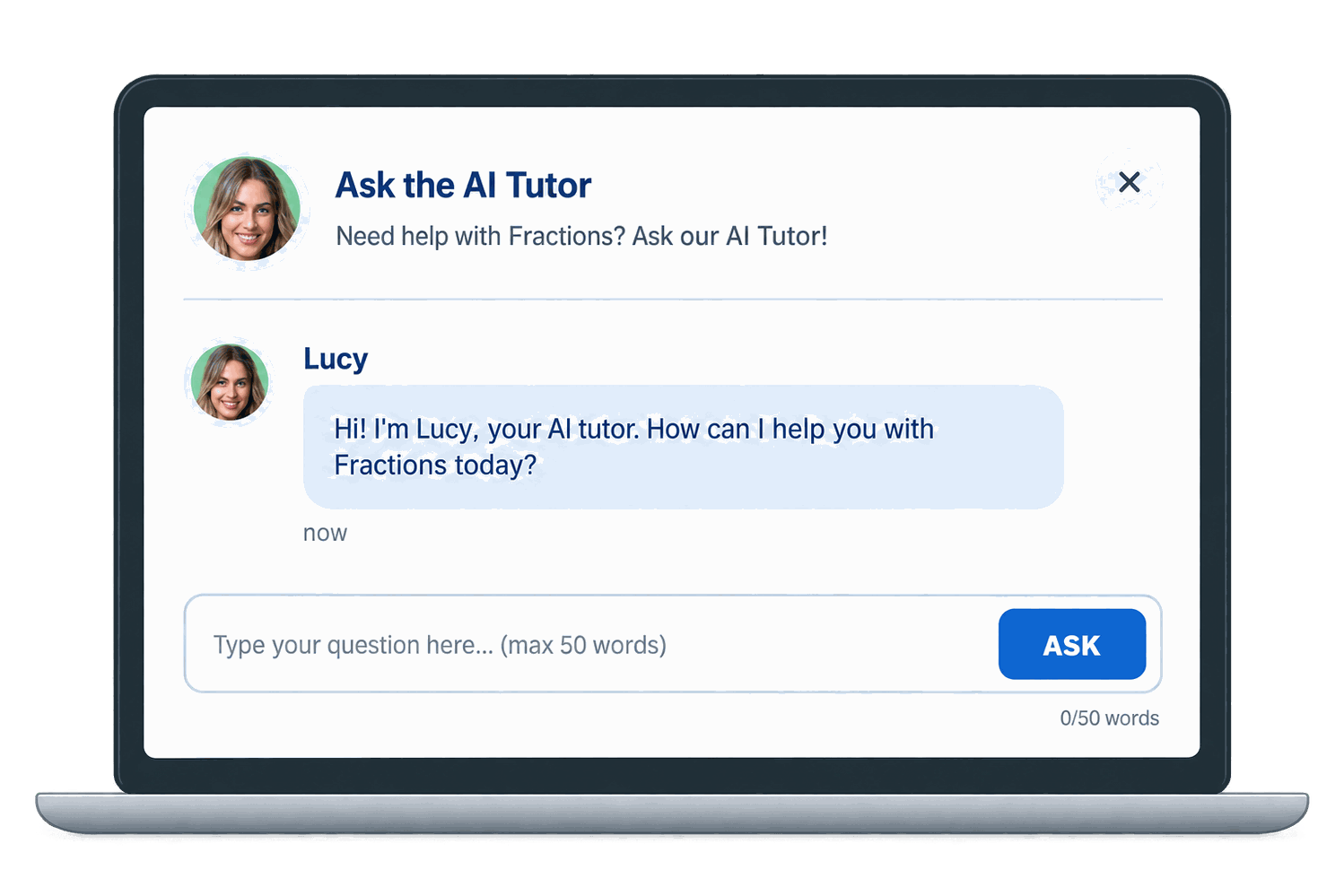

Ask about a question or topic you are finding difficult.

Take the time you need to understand the part that is causing trouble.
Use what you have learned to get back to your quiz or revision.
QUIZMASTER
QuizMaster adds a competitive twist to revision. Take on a Solo challenge or work through questions with others in Teams.
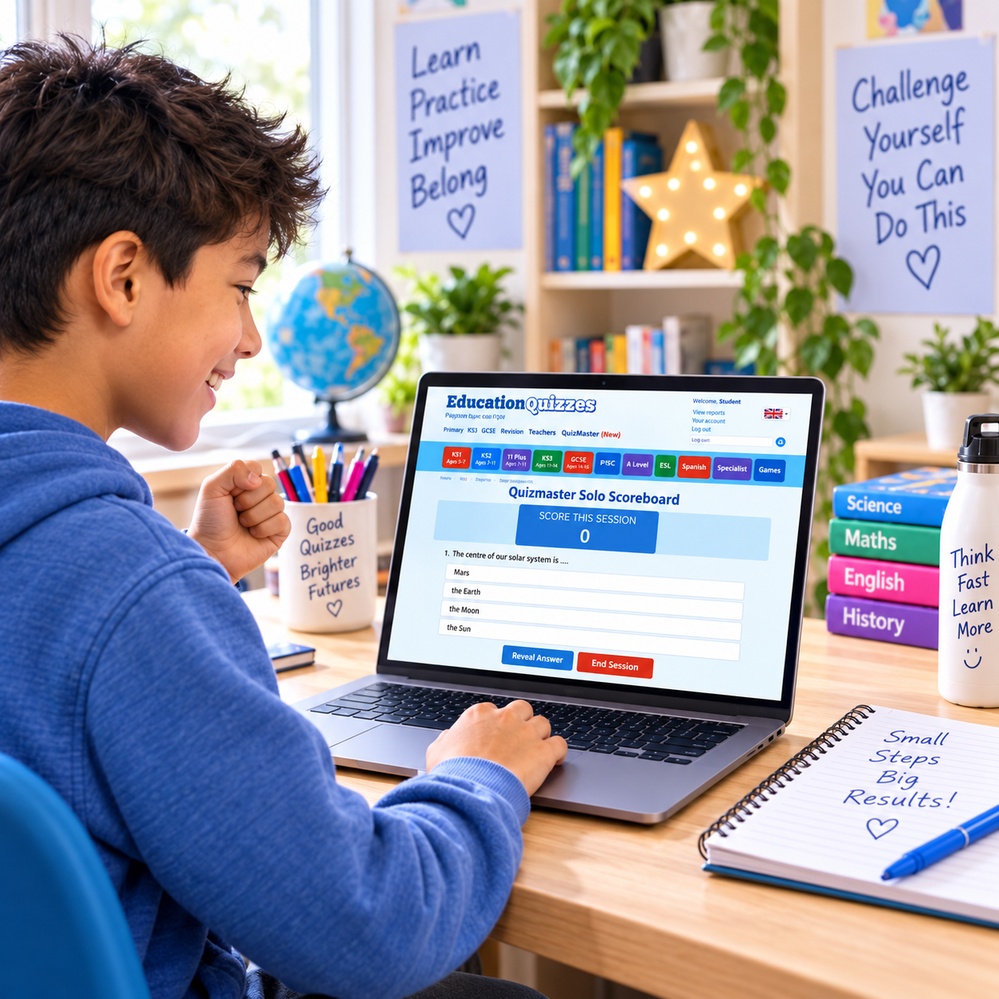
Answer questions, build your score and see whether you can beat your previous result.
Discuss the questions, share ideas and see what you can achieve together.
MORE WAYS TO LEARN
Sometimes you want to make reading on screen more comfortable, find out more about a topic or explore something new. Education Quizzes has a few extra tools and resources to help you along the way.
Explore our additional features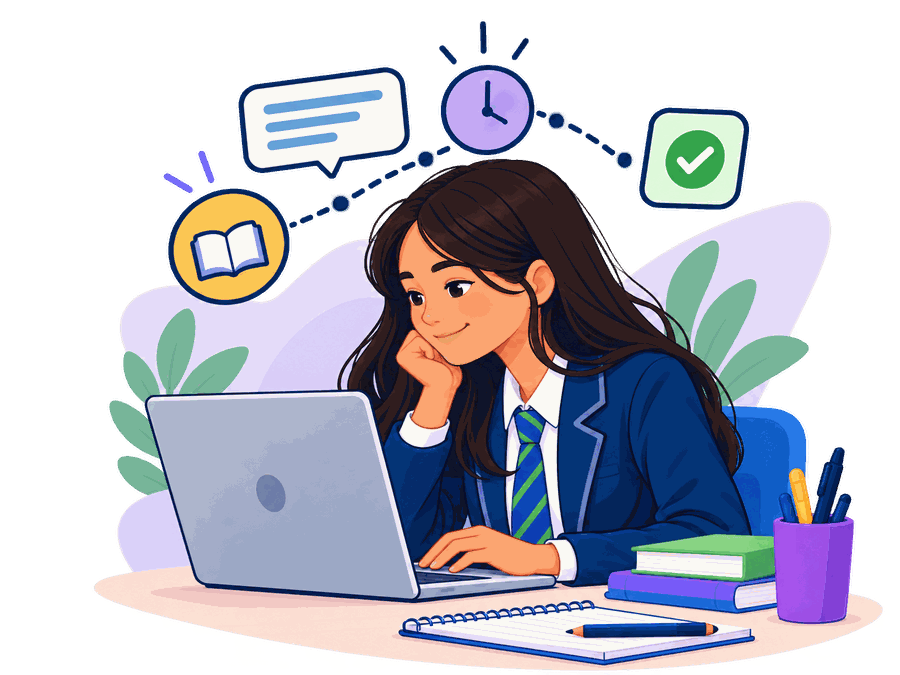

Choose a screen colour that makes reading your quizzes more comfortable.
A place for your parents or carers to find information about supporting your learning.
Explore other helpful information when a subject sparks your curiosity.
Discover articles, ideas and interesting things to learn about.
EXPLORE MORE
From English and Maths to Science, History and more, find a subject you want to explore.

BUILD CONFIDENCE AS YOU IMPROVE
You do not have to get everything right first time. Going back to a tricky topic and understanding a little more is progress too.
Choose what to work on next, give it a go and keep building on what you know.
QUESTIONS ABOUT LEARNING AND REVISION
Wondering how the quizzes work or where to find extra help? Here are answers to some common questions from Students.
Choose a subject and topic that matches what you are learning at school. Answer the ten teacher-written questions, check the explanations and return to topics you want to practise again.
Yes. Browse the curriculum, choose a subject and select the topic you want to work on. You can revise something from a recent lesson or explore a topic that interests you.
You get feedback as you answer each question. The explanation helps you understand why an answer is correct, so you can learn from questions you find tricky.
Traffic Lights give you a quick view of your quiz results. Red means 1 to 5 correct answers, amber means 6 to 8 and green means 9 or 10. Use them to decide what to practise next.
Yes. Try the same quiz again after reviewing the topic. Comparing your attempts can help you see what you understand better and where more practice would help.
QuizMaster turns curriculum questions into a challenge. Play Solo to test yourself or choose Teams to answer questions together and enjoy some friendly competition.
Lucy is Education Quizzes’ optional AI Tutor. She can help explain a quiz question or topic in another way when you are stuck. Parents can switch this feature on or off.
Explore Additional Support for colour filters, useful educational links, printable quizzes and articles. These resources give you more ways to learn beyond your on-screen quizzes.
Ready to see what you can learn? Start a free trial or join Education Quizzes today.
© Copyright 2016-2026 - Education Quizzes
Work Innovate Ltd - Design | Development |
Marketing

 English Quizzes
 Maths Quizzes
 Science Quizzes
 History Quizzes
 Geography Quizzes
 Religious Education Quizzes
 Computing & ICT Quizzes
 Music Quizzes
 PSHE Quizzes